01
Photoreal text to image
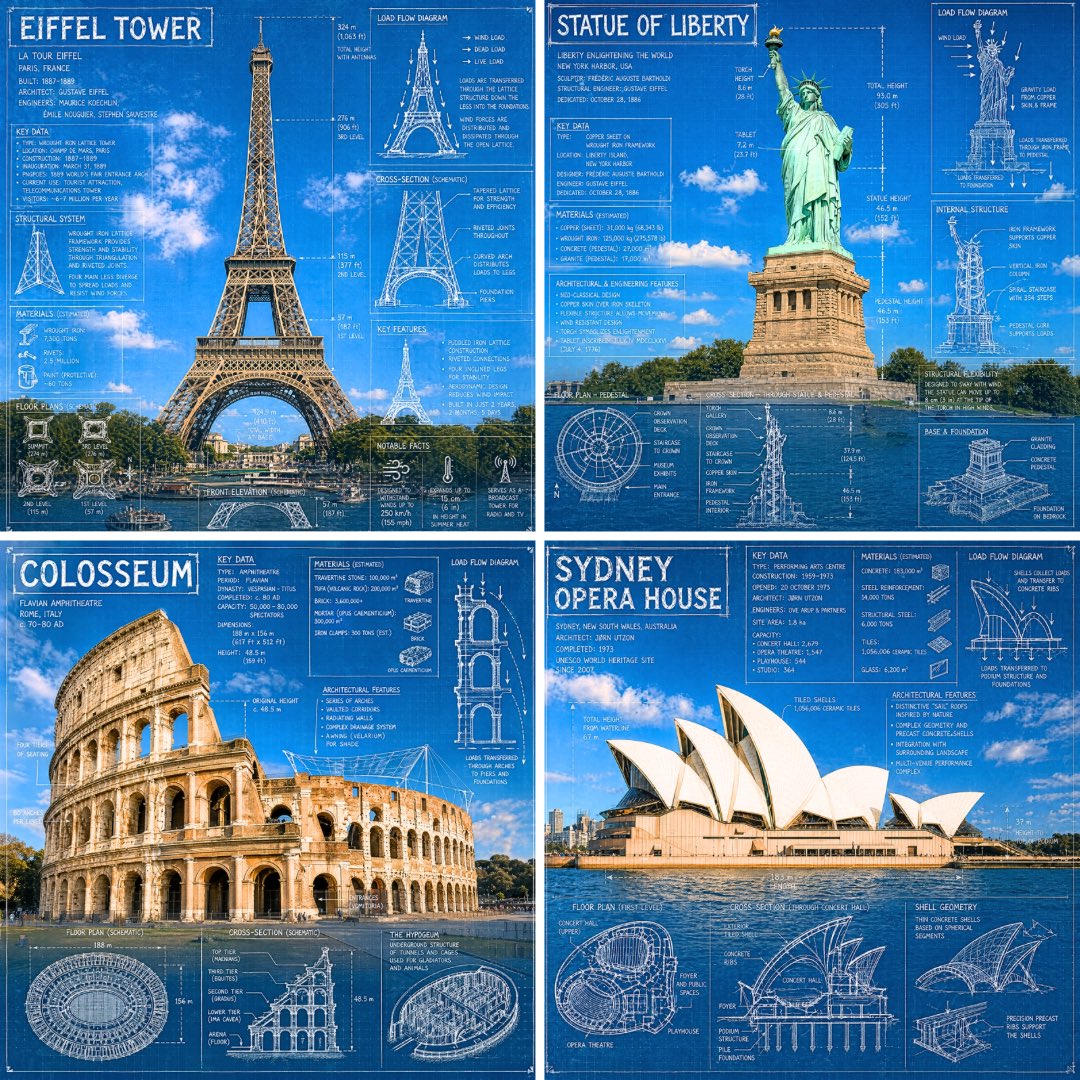
Type a sentence and the AI image generator returns a frame with believable light, depth of field, and material accuracy — not the plastic look you might expect from a generic generator.
The Omni Flash image generator covers the entire still pipeline in one place: text to image for original concepts, image to image for restyling, and chat-based image edit for surgical adjustments. Every render comes out at print resolution with the same multimodal model that powers Omni Flash, so a still you make today drops straight into a moving scene tomorrow.
From scrappy DTC launches to studio storyboards, the Omni Flash AI image generator slots into any workflow where a single image is what stands between the idea and the next step.
Brief the AI image generator the same way you brief a photographer: subject, mood, lighting, location. Get ten hero variants by the end of the meeting.
Drop one studio photo into Omni Flash image to image and the AI image generator produces seasonal scenes, color variants, and lifestyle shots that still look like the same product.
Use text to image for mood frames, image edit for surgical revisions, and the Omni Flash AI image generator never breaks the look book.
Brief the AI image generator with the headline, the tone, and the layout, and Omni Flash returns illustrative options that match the issue's visual language.
Generate environments, characters, and props with Omni Flash, then chain the same prompts into the Omni Flash AI video generator for animated cutscenes.
Turn a single photo into a series of styled prints with image to image. The Omni Flash AI image generator keeps the resemblance while exploring every direction you might frame.
Three steps from idea to export. The Omni Flash AI image generator handles light, composition, and detail; you keep control over the brief.
Pick text to image for a brand-new concept, image to image to restyle a reference, or chat-based image edit to revise a previous render — all live inside the Omni Flash AI image generator.
Describe subject, lighting, lens feel, palette, and mood. The AI image generator parses cinematic and design vocabulary so you do not have to translate your taste into keywords.
Iterate with chat-based image edit, then export the master at full resolution. The Omni Flash AI image generator gives you both a high-res PNG and the prompt provenance.
Contact Omni Flash at support@omniflash.ai
Sample Image